Drop your .xlsx workbook here, or click to browse
Plain links and hyperlinked cells both work — if the address behind the text is an image, it becomes one
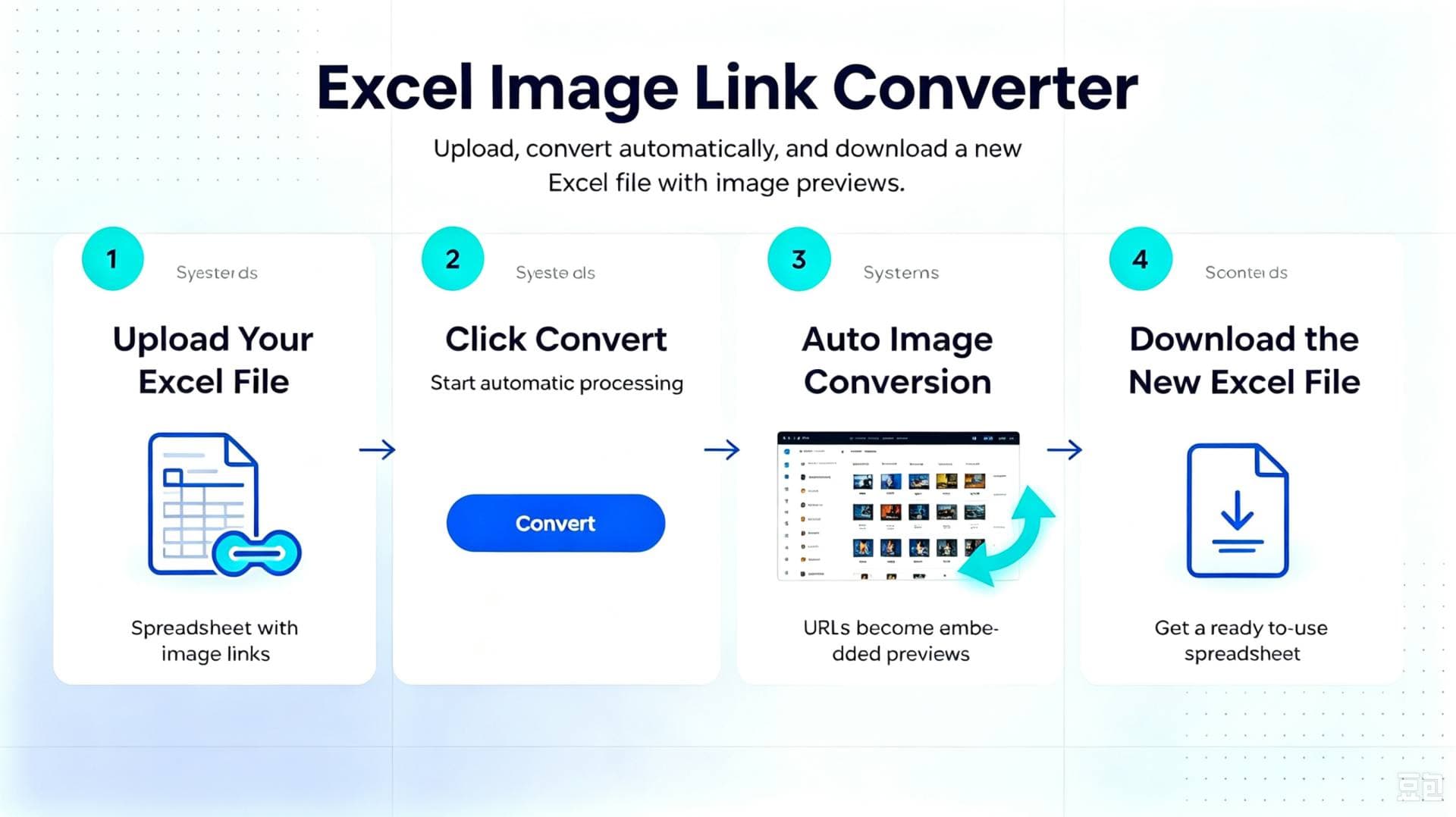
Three moves, from a column of links to a column of pictures
Nothing to install, nothing to configure: upload, choose a height, download.
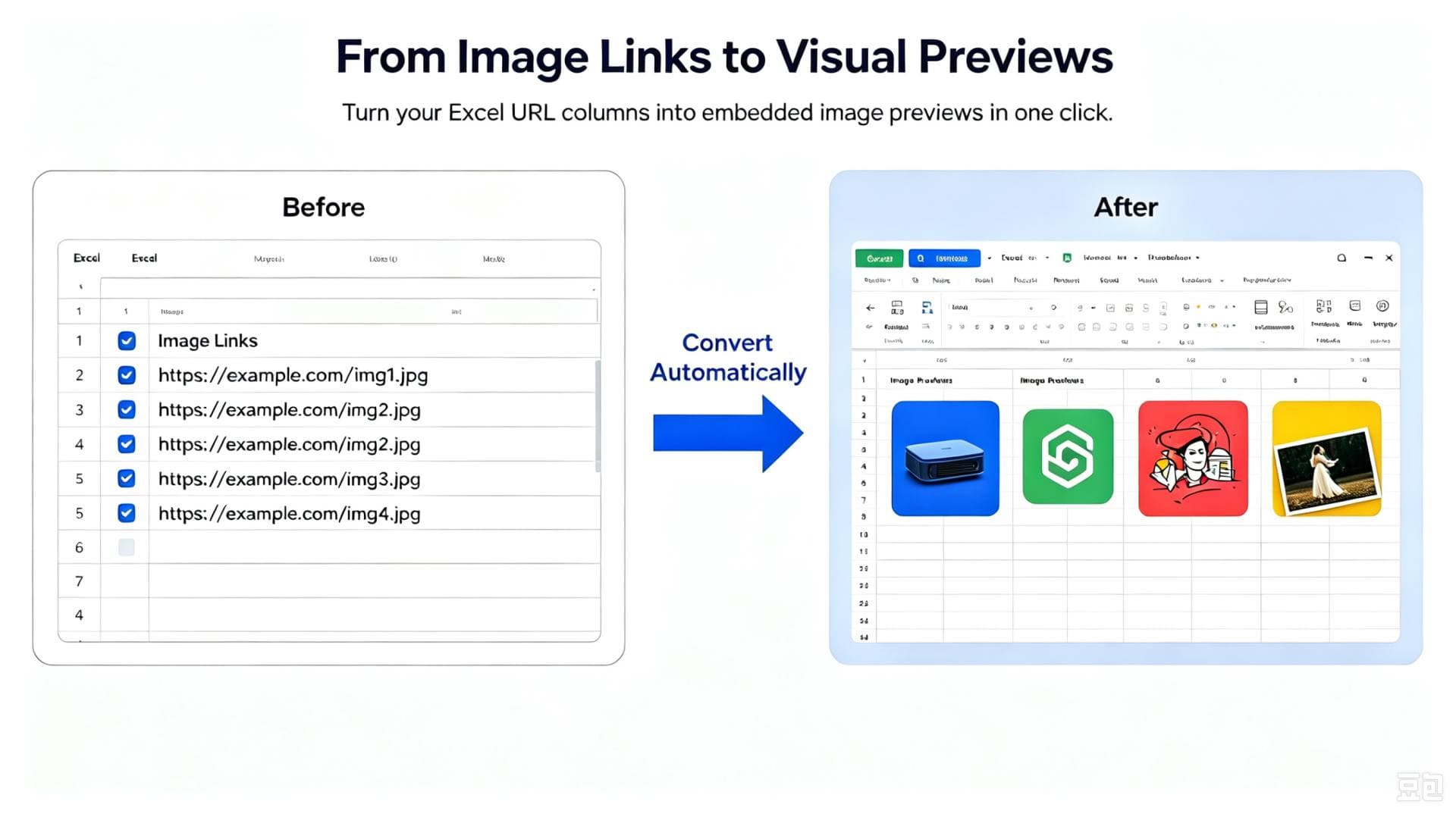
The same sheet, before and after
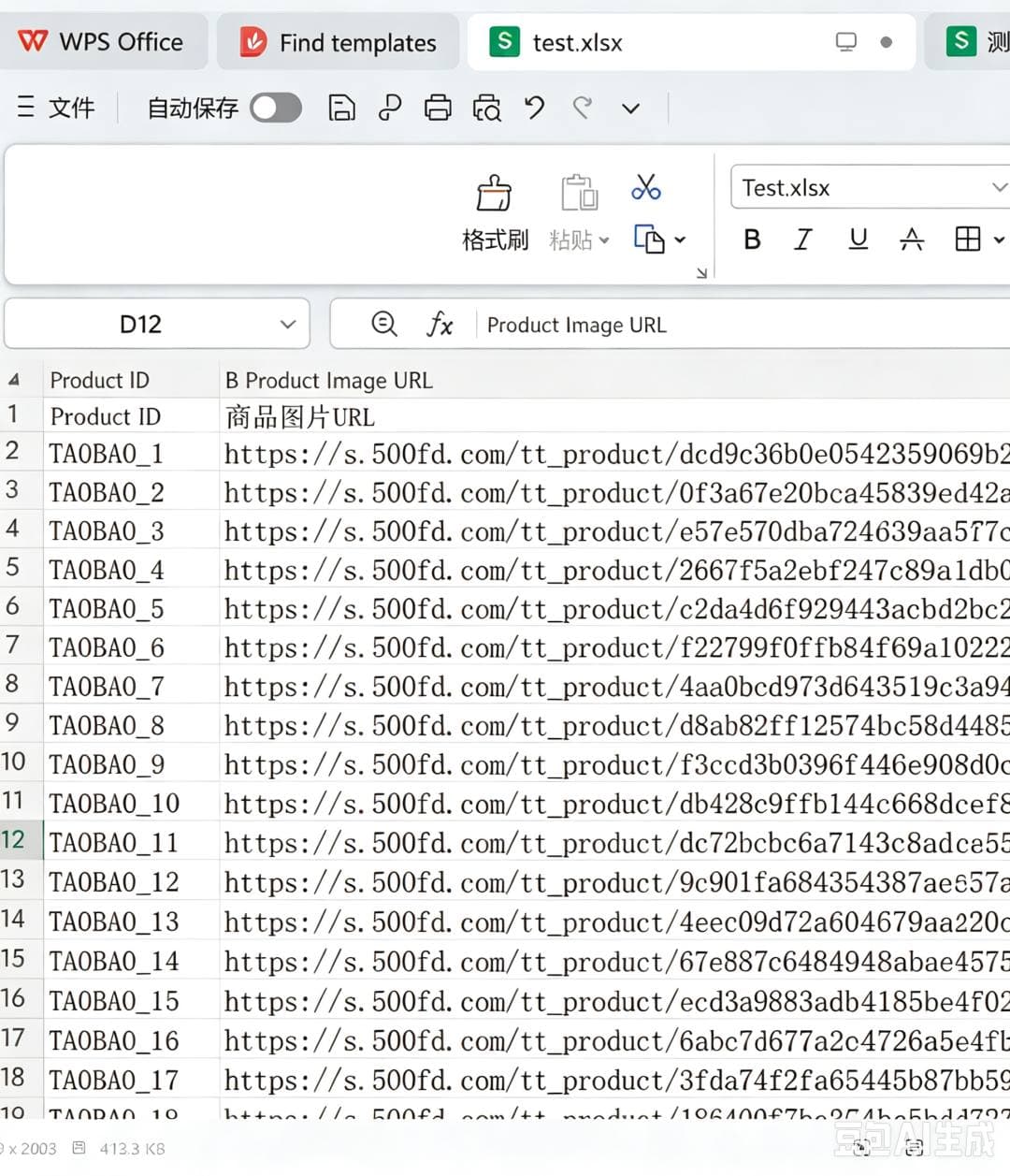
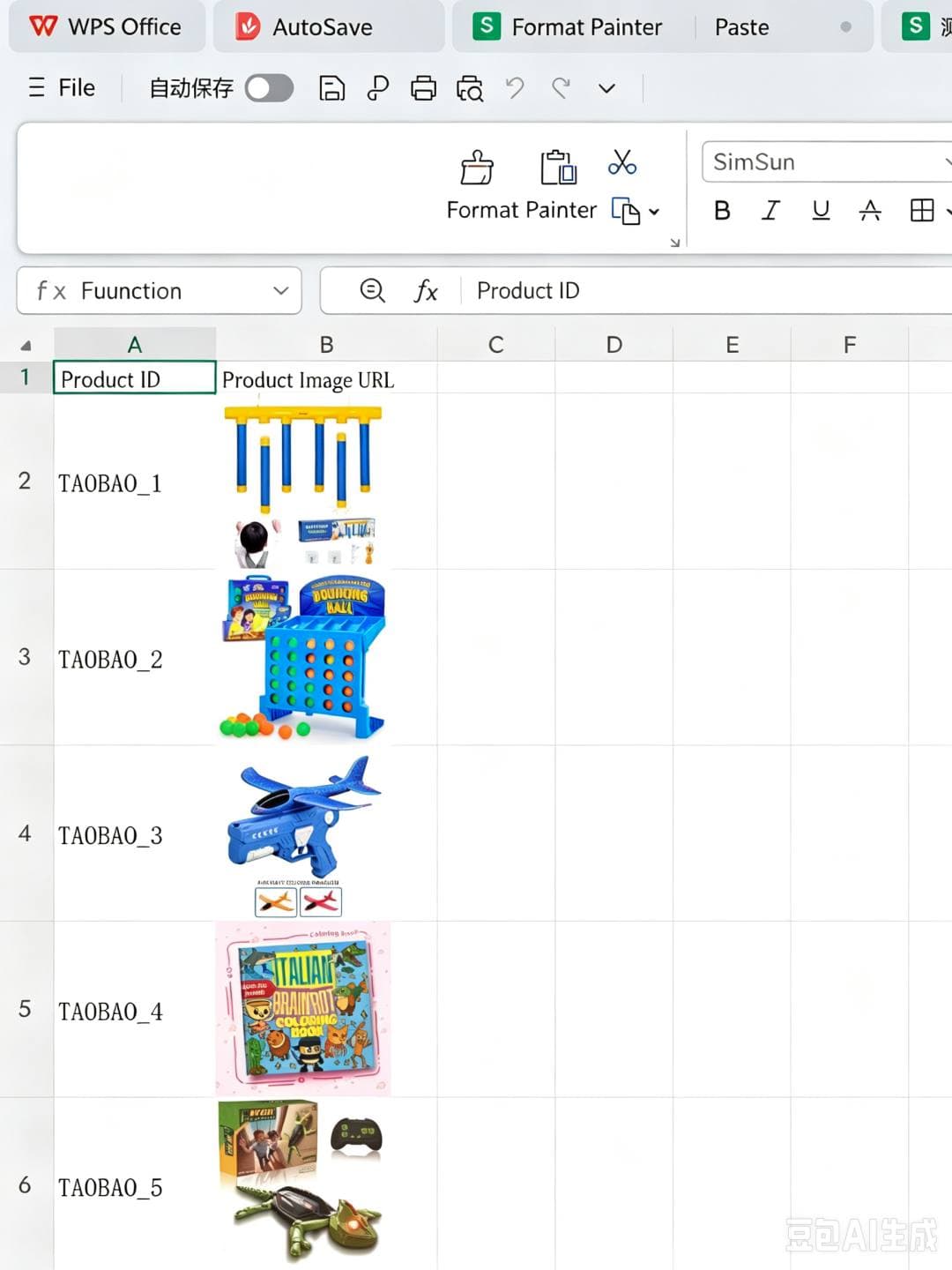
One column of unreadable addresses becomes a column your team can scan at a glance, without opening a single link.
Before
After
Limits at a glance
Everything the converter accepts, in one place:
- File type
- .xlsx workbooks, up to 20 MB each
- Batch size
- Up to 10 files at a time, 100 tasks in your list
- Picture height
- Any whole number from 11 to 500 px, width scaled automatically
- Image formats
- JPG, PNG, GIF, WEBP and other common web formats
- Output
- A new .xlsx file — your upload is never edited in place
Jobs it was built for
Any workbook that is a long list of records where each row deserves its own photo:
- Supplier & price lists: turn a purchasing sheet of photo URLs into a visual catalogue your buyers can review without opening every link.
- Marketplace inventory: prepare Amazon, eBay or Shopify feeds where each row ends up with its product photo right next to the SKU.
- Property & rental rosters: give every unit, room or vehicle a picture so the list reads like a brochure.
- Research & reports: drop screenshot and evidence links into a findings table and hand in something people will actually read.
Before you upload: what the links must look like
A cell gets converted when…
- …it holds the direct address of an image file (JPG, PNG, GIF, WEBP and other common types)
- …the text is hyperlinked and the address behind it points at an image
- …that address opens publicly, with no login wall, one-time token, paywall or hotlink block
- …you are allowed to reuse the picture — your own asset, or one you hold a licence for
What happens after you hit convert
No black box. This is the whole run:
- We read the workbook and collect every cell that holds an image address, including the addresses hidden behind hyperlinks.
- Each address is requested once. If the server answers with anything other than a picture, that cell is skipped and the reason is written into the remarks column.
- Every picture that arrives is scaled to the height you chose and written back into its own cell.
- A brand-new workbook is produced, your upload stays exactly as it was, and both copies are cleaned up automatically once the run ends.
Questions people ask before uploading
Do I have to install an add-in or enable macros?
No. SheetImg works entirely online: upload the workbook in your browser, wait for the run to finish, then download the new file. Nothing is installed and no macro ever touches your data.
Will my original workbook be modified?
Never. The result is always written to a separate file that you download. Your upload is used for that one run and is removed automatically when processing ends, so keep the copy you download.
How long does a big sheet take?
Small workbooks are usually ready in moments. Long catalogues join a queue and are handled in order — you can close the page, come back to History later and download once the status reads Completed.
Which apps can open the converted file?
Anything that reads .xlsx: Microsoft Excel, LibreOffice Calc, Google Sheets, Apple Numbers and WPS Office all show the embedded pictures.
Are my pictures stored or reused?
No. Each image is fetched only so it can be placed in your new workbook. Files are processed and then deleted automatically — we do not keep, edit or redistribute the pictures in your sheets.
Terms of use
Lawful content: Only upload workbooks you are entitled to use. SheetImg provides the conversion technology and does not review or endorse what is inside them.
Image rights: You confirm that you own the pictures referenced in your file, or hold a valid licence for them. Reusing someone else's images without permission is your own responsibility.
Fair fetching: Images are requested straight from the addresses you supply, without proxies or anti-blocking tricks, so a busy source server may throttle or refuse some requests.
Your liability: Any dispute, takedown or access problem that follows from breaking the rules above is yours to settle, not ours.
What we do: We turn links into pictures and nothing more — no storage, no editing, no redistribution of your images.